You go to Italy for a week and come back with a lot of images, notes on your phone and ideas for multiple articles. A month later, most of that work is still undone since editing photos, fact-checking, and writing blog pieces takes longer than intended.
Travel bloggers often juggle multiple tasks, especially when posting videos or Stories on Instagram and YouTube concurrently. A few well-selected AI tools can help you accomplish that work better — if you know what to do with them.
There are seven choices that cover different parts of the process, from making plans for a trip to putting together the final post. You don’t need all seven tools to get value out of them.
1. Claude: Write an article out of your jumbled travel notes
 You might have written down the names of restaurants, train routes, hotel reviews, and other random things you noticed in different cities after ten days in Japan. Claude can put that information into an article structure that makes sense. This saves time when you have a lot to say but don’t know where to begin.
It works especially well for long guides to places to visit because you can include clear instructions and a lot of sources. Never ask AI to write blog posts completely from scratch. Instead, you should give it your own thoughts and let it help you organize them.
Try This: “Combine these notes into a useful guide for three days in Kyoto.” Create sections for food, transportation, and attractions. Keep my own observations and mark information that needs to be checked.”
You can also ask Claude to find information that is missing or to come up with questions that people who are visiting for the first time might have. This makes it one of the best AI writing tools for travel bloggers who write guides all the time.
Cost: There is a free plan with limits on how much you can use it, while paid tiers offer higher usage limits. Always fact-check AI-generated details before publishing, especially information about costs and transportation.
2. GetSolved AI: Fix drafts that sound too official
Travel articles that use AI sometimes sound more like hotel ads than personal suggestions. A small café turns into an “unparalleled culinary destination,” and a normal room becomes “unparalleled in comfort.” These phrases are there to fill space but don’t say much about the event itself.
GetSolved AI Humanizer changes sentence structure, vocabulary, and tone to fix text that sounds stiff or repetitive. It can help if you’ve already written a draft but some parts don’t seem natural or are too hard to understand. Travel bloggers can humanize AI text for free with GetSolved and look at stunning service’s features. Different writing styles can assist you to make parts of a travel journal into a fun or helpful location guide. For instance, a hotel review may be more effective if the room, location and service were described in a more straightforward manner.
Go back through your initial notes and make sure you haven’t strayed too far, especially if your rewritten content includes your own opinions or specific suggestions. A more casual tone is only helpful if the facts are still correct and the piece still shows what you know from experience.
A Simple Case of “Before and After”
| The first draft | Better version that works |
| The hotel offers fifty-fifty accommodation options. | The room was big, but at night you could hear the street noise. |
| People who come can enjoy a variety of foods. | There are many cheap food stands in the market, especially near the main entrance. |
Instead of showing verified results from the tool, these examples show the kind of specific language that should be used.
Cost: GetSolved charges for Humaniser access, but there is a free trial option. Check the current terms of the subscription before you buy it.
3. Use GuideGeek: plan your routes before you get there
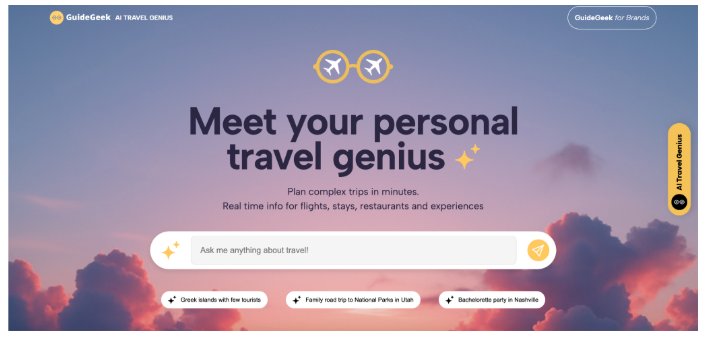
When your saved sites are spread out in different neighborhoods, it can be hard to plan a city break. GuideGeek can help you plan your vacation, suggesting itineraries for where you want to travel, how much time you have and what you’re interested in.
A travel blogger planning a trip to Lisbon, for example, may want three days on food, ancient streets and public transit. The suggested itinerary highlights unique spots to visit and stuff to write about but you need to swiftly check out each option.
Get a sample:
“Plan for 3 days in Lisbon as a travel blogger. Cluster locations by neighborhood, recommend photo-worthy spots, and don’t send folks all across town if they don’t have to.
Before you take to the trail, make sure you:
- Operating hours and how to book tickets.
- Links for public transport between stops.
- Seasonal closures and rules in the area.
GuideGeek lets you access it for free through messaging apps, so it’s worth looking into for trip ideas. It’s best used as a tool for planning trips rather than a source for approved travel plans.
4. Adobe Firefly: Make blog graphics from photos you already have
 Sometimes, even a good travel picture won’t work with the way your website is set up. You might need a wide header picture, but your best picture is vertical, or the main subject is too close to the edge.
Generative AI features in Adobe Firefly can help extend backgrounds, generate visual assets and change certain parts of a picture. This means you can use it for promotional graphics without having to start from scratch with each one.
| Type of content | Useful Firefly task |
| Blog title | Stretch a picture to fit a bigger Pinterest graphic |
| Make room for a story | Checklist for Travel |
| Make artistic illustrations | Banner for newsletter |
| Modify an existing graphic |
For instance, a picture from a village on the coast of Portugal might look great in a story but would need more room for a newsletter title. The layout can be changed with generative growth while the main subject is kept.
Adobe gives away some free credits for creative work and charges for plans that let you use them more. Keep real photos of a destination separate from photos made by AI, especially when people want to see what a place looks like.
5. CapCut: Turn travel footage into short videos
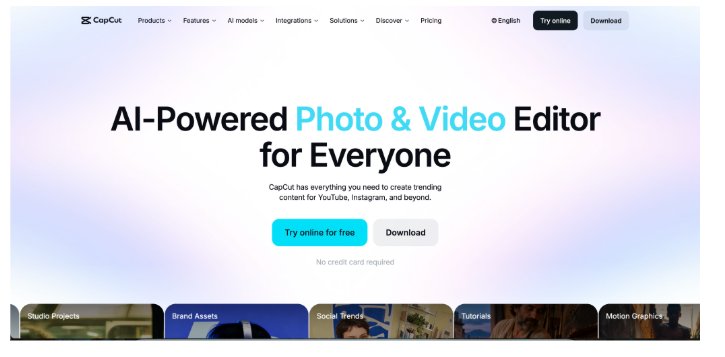 A lot of travel bloggers come back home with more video clips than they can edit. With auto-captions, templates, and AI-assisted edits, CapCut can help you turn those clips into short videos for Instagram, TikTok, and YouTube Shorts.
In four easy steps, you can make a simple market video:
- Pick out five or six clips that show various market areas.
- Put them in a short order that has a clear start and end.
- Include local information, prices, or useful tips in the captions.
- Look over the subtitles and export the video in a vertical format (9:16).
You could put together clips of the entrance, food stands, and a few dishes for a Bangkok food market. Then you could add prices and directions. The end result can go with a longer piece and give people who follow you on social media useful information without having to go through a complicated production process.
CapCut has some features that are free, but some advanced AI tools cost money. Automatic subtitles are very helpful, but place names and phrases that people don’t know often need to be fixed by hand.
6. Perplexity: Make your destination research
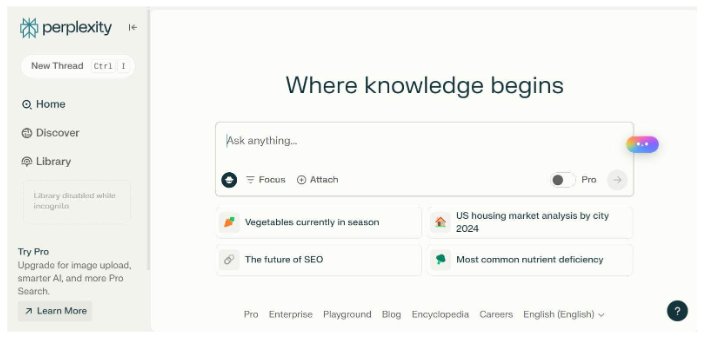 Information about travel can change quickly, especially when it comes to getting to and from places, buying tickets, or meeting certain standards to get in. Perplexity helps you find online sources and gives you answers with citations, so you don’t have to spend as much time looking through pages that don’t have anything to do with the question.
| A Useful Research Routine of Data | Where to check |
| Need for a visa | Government websites about immigration |
| Schedules for trains | The official railway companies |
| Tickets to museums | Popular attractions |
| National park regulations | National Park Service websites |
| Rules for hotels | Websites for properties |
7. Grammarly: Find mistakes before they are published
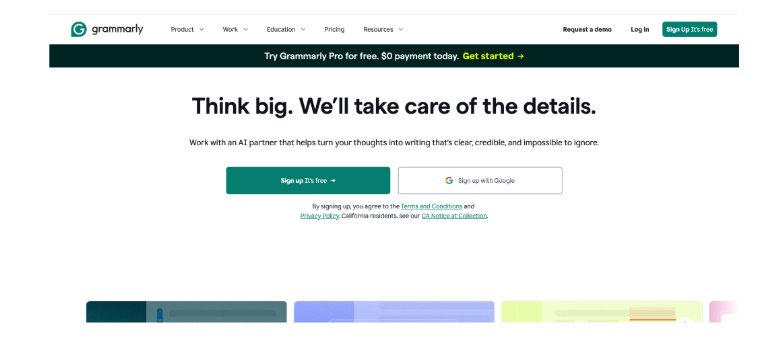 When you’re working on a trip guide for a while it’s easy to notice repeated words or sentences that don’t make sense. Grammarly can help you discover spelling, punctuation, clarity and other problems. This is a nice feature for bloggers that post a lot or are blogging in English as a second language .
A nice example is a useful airport guide. Terminal, train ticket, and transfer instructions need to be clear, and Grammarly can point out confusing parts before readers even see them.
A quick list for the final edit:
- Check your spelling and language.
- Get rid of words and phrases that are used more than once.
- Check that the directions are clear.
- Keep the personal phrases that fit your style.
Grammarly has a free version that only fixes basic mistakes. Paid plans come with extra features. Because automatic edits can sometimes make personal travel stories sound too formal, it’s worth going over each idea on its own.
What are the Best AI Tools to Use?
For a travel blogger who works on their own, paying for seven subscriptions doesn’t usually make sense. Pick out the task that takes the most time for you and start with a tool that can help you with it.
Claude is a good first choice if you have trouble with article structure. CapCut might be better for bloggers who write about Instagram and TikTok, while Perplexity might be better for bloggers who write in-depth guides to tourist spots.
A useful workflow for a typical travel article might look like this:
Before the trip: GuideGeek can help you plan your trip, and Perplexity can help you find official travel details.
During the trip: Gather your own notes, pictures, prices, and thoughts while the information is still fresh.
When the trip was over: Use Claude to organise the information, GetSolved AI to improve certain parts, and Grammarly for a final check of your grammar.
Before it came out: Use Adobe Firefly to make graphics and CapCut to edit short movies if your content needs them.
This method gives each tool a specific job to do without adding steps that aren’t needed.
Last Thoughts
With the best AI tools for travel bloggers, they can spend less time researching, writing, and making the same changes over and over again. There are a lot of services on this list that you may not need. A lot of the time, free plans are enough to help you figure out what works best for you.
Do the things that take the most time first. Then, use some of the tools on a real project and keep the ones that work well. The best things about your travel blog will still be the notes, photos, and tips you give based on your own trips.





Leave a Reply