
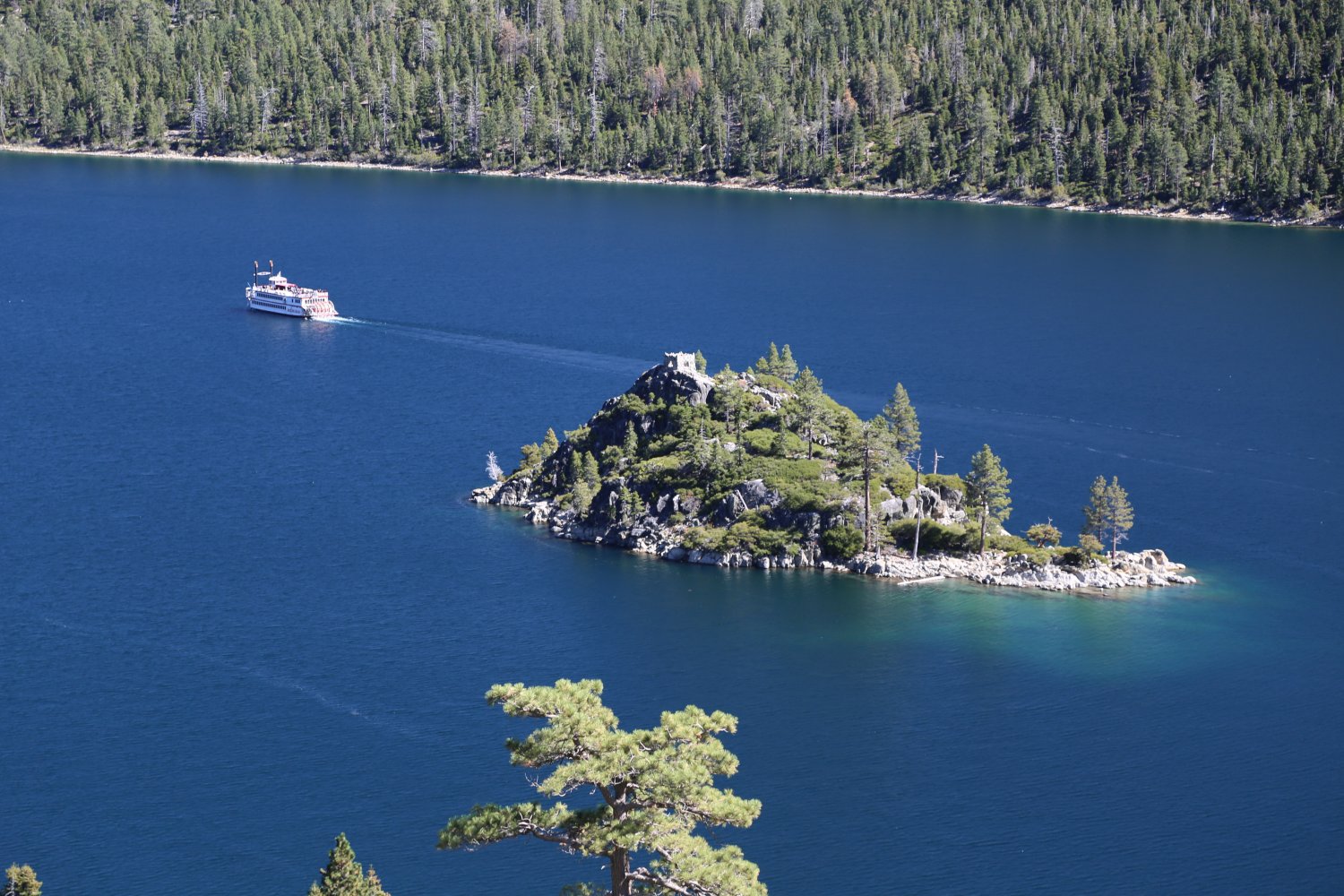
 M.S. Dixie II Paddlewheeler leaves from Zepher Cove on the south east shore of Lake Tahoe.
Daily scenic cruises are offered as well as Sunset Dinner Dance cruise and Emerald Bay cruises. PHONE NUMBER (775) 588-3508. www.zephyrcove.com
- SunRunner II leaves from Tahoe Yacht Harbor in Tahoe City. Cruise west shore, Emerald Bay. Can be used for private parties and weddings. PHONE NUMBER (530) 583-5570.
- Tahoe Queen is a glass bottom boat that cruises that lake anytime of the year. It is located in South Lake Tahoe. Offers evening cruises to Emerald Bay year-round. PHONE NUMBER is (530) 541-3364.
- Lake Tahoe Cruises Inc. are located in South Lake Tahoe at 970 Ski Run Blvd. They offer boat and yacht charter and rental. PHONE NUMBER (530) 541-3364.
- Tahoe Water Adventures rents jet skis, seadoos, polaris, offers parasailing, and rents ski boats. They are located at 120 Grove Street in Tahoe City. PHONE NUMBER (530) 583-3225.
- Lakeside Marina is located at 4041 Lakeshore Blvd, behind Harvey’s in South Lake Tahoe. They offer rentals of boats, jet skis, and wave runners. PHONE NUMBER is (530) 541-6626.
 Power Boat Rentals rents jets skis and boats in three different locations. Their Tahoe City location is at 1850 West Lake Blvd., which is just 2 miles south of Tahoe City. PHONE NUMBER (530) 583-7417.
Their location in Carnelian Bay is at 5000 North Lake Blvd, 5 miles north east of Tahoe City. PHONE NUMBER is (530) 546-4909. Their location in Homewood is at 5190 West Lake Blvd, 7 miles south of Tahoe City. PHONE NUMBER is (530) 525-1214.
- North Tahoe Marina Power Boat Rentals is located in Tahoe Vista on Tahoe’s north shore. Chris Crafts are also rented. They are located at 7360 North Lake Blvd, one mile west of Highway 267. PHONE NUMBER is (530) 546-4889.

Thanks for sharing this information.